
Which travel apps should you install before you leave? Start with the official ones: your government’s travel advice and alerts (UK FCDO or U.S. State Department), then the apps of your airline or rail operator and your bank. After that come free tools by use: offline maps, translation, local transport, currency conversion.
We do not publish a ranking: each app type is presented by use, with the criteria that matter (free, works offline, personal data).
The essentials
- Before you go: read your destination’s official travel advice and sign up for alerts (the UK FCDO offers email alerts on GOV.UK; US travelers can look for the State Department’s traveler enrollment program, STEP).
- Your airline, rail or coach app: boarding pass, delay alerts.
- Your bank’s app: card blocking, limits, payment notifications.
- Maps and translation downloaded offline before you leave.
- Check the permissions each app asks for.
1. Safety: the official sources
The UK FCDO’s foreign travel checklist (GOV.UK, last updated 5 June 2026) advises researching your destination through the foreign travel advice for the country, which covers entry requirements, safety and security, health risks and legal differences. It also says to stay up to date before and during travel by following FCDO Travel Advice on Facebook and X, and to sign up for email alerts on GOV.UK. The CDC, for US travelers, lists enrolling in the Department of State’s Smart Traveler Enrollment Program (STEP) among the steps to plan for the unexpected (CDC Travelers’ Health, page last reviewed August 16, 2022).
- Official alerts are not travel insurance and are not a tracking service.
- Country pages (entry requirements, health, safety) are worth reading before every trip: UK citizens on GOV.UK, US citizens on travel.state.gov.
2. Transport: the carriers’ apps
Your carrier’s app is often the most useful on departure day: boarding pass, gate changes, delays, rebooking. Install it and link your booking before you leave. On the ground, the official apps of urban transport networks often let you buy tickets and follow timetables.
If your flight is delayed or canceled, the app does not replace your rights: see our guide to flight delay and cancellation compensation.

3. Useful apps by use
| Use | What to look for | Watch out for |
|---|---|---|
| Maps and directions | Offline map downloads | Download size, updates |
| Translation | Offline language pack, photo translation | Limited accuracy for medical topics |
| Currency and budget | Reference rates, expense logging | Displayed rate is not the rate your bank applies |
| Accommodation | Free cancellation clearly shown, recent reviews | Fees and taxes added at the end |
| Weather | Local forecasts, alerts | Reliability beyond a few days |
| Documents | Vault or encrypted folder for document copies | Account security (two-factor authentication) |
To convert a price quickly without an app, you can use our currency converter.
4. Internet while traveling
Most of these apps need data. Check your carrier’s international roaming charges before you leave, or consider a local or regional eSIM if your phone is compatible.
5. Protecting your data
- Download only from official app stores.
- Refuse unnecessary permissions (contacts, microphone, constant location).
- Turn on two-factor authentication for email, banking and travel accounts.
- Avoid entering card details on unsecured public Wi-Fi.
- Write down emergency numbers and your bank’s card-blocking number somewhere other than your phone.
Common mistakes
- Relying on a connection to show your boarding pass: download it or take a screenshot.
- Not downloading maps and translation offline before you leave.
- Installing an app from a link received in a message rather than from the official store.
- Leaving data roaming on abroad without knowing the rates.
- Keeping all document copies only on your phone: if you lose it, everything disappears.
Getting your phone ready before you leave
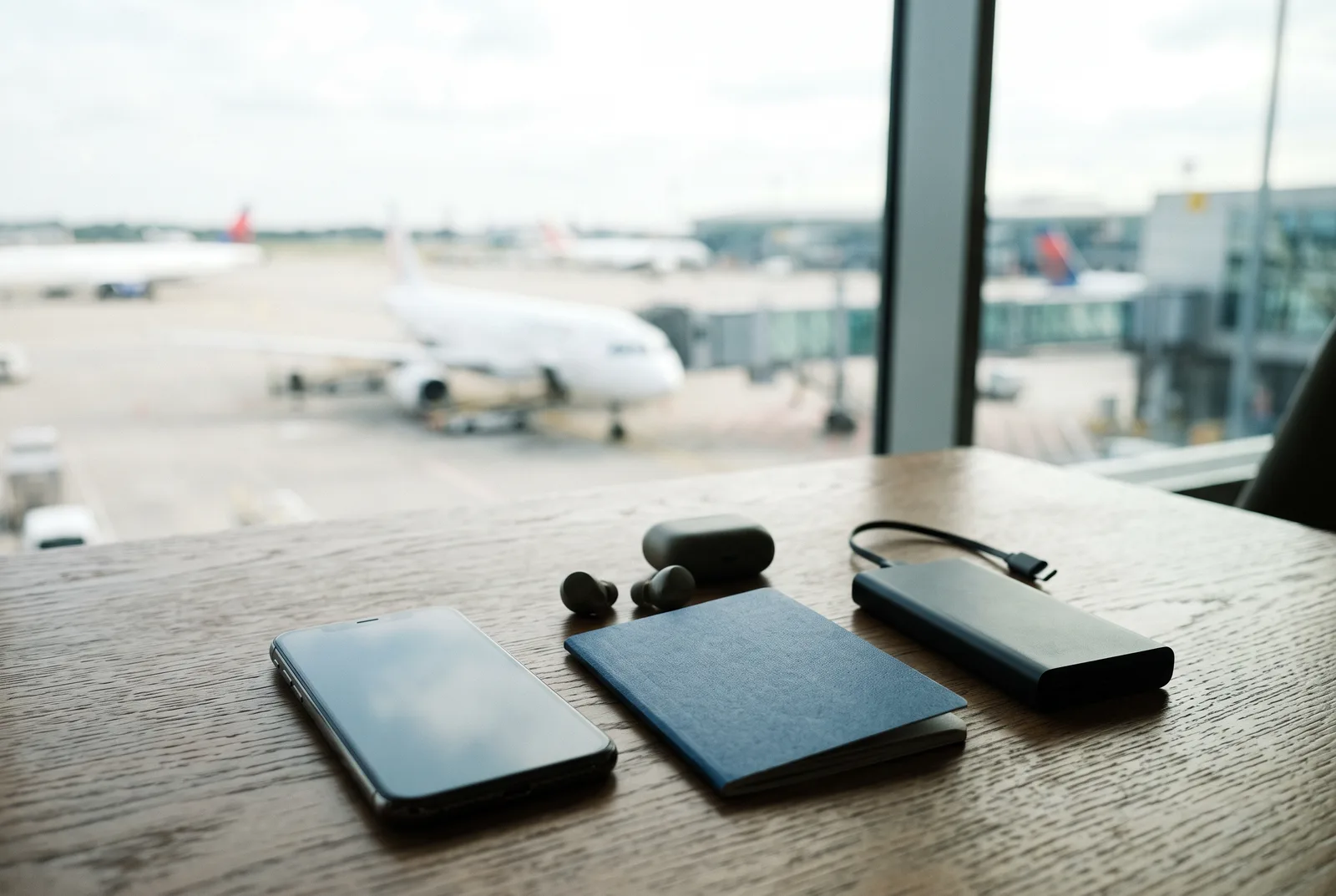
- Update the operating system and apps.
- Read your destination’s official travel advice and sign up for alerts.
- Install your airline’s app and add your booking.
- Download maps and languages offline.
- Save emergency numbers, your insurer’s number and your bank’s card-blocking number.
- Check roaming or set up an eSIM.
- Set a lock code and turn on device location in case of loss.
A power bank is useful: maps, translation and photos drain the battery quickly while traveling.
Apps and accessibility
Phone accessibility features (screen reader, captions, magnification) also work with most travel apps. For travelers with reduced mobility, the airline’s app or website often lets you request assistance: do so when you book, and no later than the deadline given by the carrier.
Paid apps: when are they worth it?
The free version of an app is enough in most cases. A paid version can be justified for heavy use: a long trip, remote work, hiking with detailed topographic maps. Before paying, try the free version, read the cancellation terms of the subscription and check that it does not renew automatically without your agreement.
Keeping copies of your documents
The UK FCDO’s checklist suggests having a backup plan for key information such as accommodation details, flight details, passport details, contact numbers and your insurance policy (for example, in case you lose your phone), shared with friends or family or stored online on a secure platform. Keep a digital copy of your passport, driver’s license, insurance certificate and bookings in a protected space (account with two-factor authentication, encrypted folder), and a separate paper copy. The FCDO also advises noting how to contact the nearest British embassy, high commission or consulate; US travelers can find embassy details on the State Department’s country pages.
Payment and banking apps
Your bank’s app is one of the most useful while traveling: it generally lets you follow payments in real time, change limits, temporarily block the card and report it lost. Check before you leave that you can receive payment validation codes abroad (SMS or notification). Contactless payment by phone works in many countries, but always keep a physical card and some cash as a backup. The FCDO also advises making sure you can access enough money if your main payment method fails (for example, because you have lost your phone and cannot complete two-factor authentication).
Before you go: common checks
Whatever the trip, a few checks avoid unexpected costs: passport validity and entry requirements, health cover (UK travelers: GHIC or EHIC where applicable, which the FCDO says is not a substitute for travel insurance), the terms of your insurance and bank card, and the official travel advice for your destination. Also note your accommodation and carrier details offline.
Which travel app for which need?
This table is not a ranking: it shows which type of app meets which need, and the point to check before you leave.
| Need | Type of app | Check before leaving |
|---|---|---|
| Safety | Official travel advice and alerts | Alerts set up, notifications on |
| Finding your way | Maps with offline download | Area downloaded before leaving |
| Transport | Carrier apps, route planners | Tickets saved offline |
| Communicating | Translation (with offline language pack) | Language downloaded |
| Budget | Expense tracking and sharing between travelers, converter | Currency and rate updated |
| Memories | Travel journal (route tracking, photos) | Battery use, privacy settings |
| Internet | eSIM or carrier app | Phone compatibility, country coverage |
Organizing your trip and keeping a travel journal
Planning apps bring bookings, itinerary and documents together. Travel journal apps track your route and attach photos and notes. Before choosing one, check whether it works offline, whether your data can be exported, and who can see your location.
Which apps for which trip?
- City break: offline map, urban transport, museum tickets on the phone.
- Road trip: offline navigation, fuel, expense sharing.
- Long-haul: official travel alerts, offline translation, eSIM or local plan, a bank whose foreign fees you know.
- With family: copies of each child’s documents, carrier apps to follow schedules.
Frequently asked questions
Which official app should I install before traveling abroad?
Start with your government’s official travel advice: the UK FCDO on GOV.UK (with email alerts) or the U.S. State Department on travel.state.gov, where US travelers can look into STEP enrollment.
Are official travel alerts a substitute for travel insurance?
No. Alerts keep you informed, but they are not insurance and not a tracking service. See our travel insurance guide.
Can you use a map without a connection?
Yes, many mapping apps let you download an area offline before you leave.
Why not publish a ranking of the best apps?
Needs differ from trip to trip and apps change. We prefer to give verifiable criteria for choosing.
Which app can I use to organize my trip for free?
A planning app that brings bookings and itinerary together is often enough, with an offline map. Check that it works without a connection and that your data can be exported.
Do I need an eSIM app to travel?
Only if your phone is eSIM-compatible and your plan does not include the country you visit. Check your carrier’s roaming charges first.
Our sources
- UK FCDO, Foreign travel checklist (GOV.UK, last updated 5 June 2026), read 12 November 2026
- CDC Travelers’ Health, Traveling with Children (page last reviewed August 16, 2022), read 12 November 2026 (mention of STEP)
- U.S. Department of State, travel.state.gov country information pages
- Our methodology
Updated November 2026.